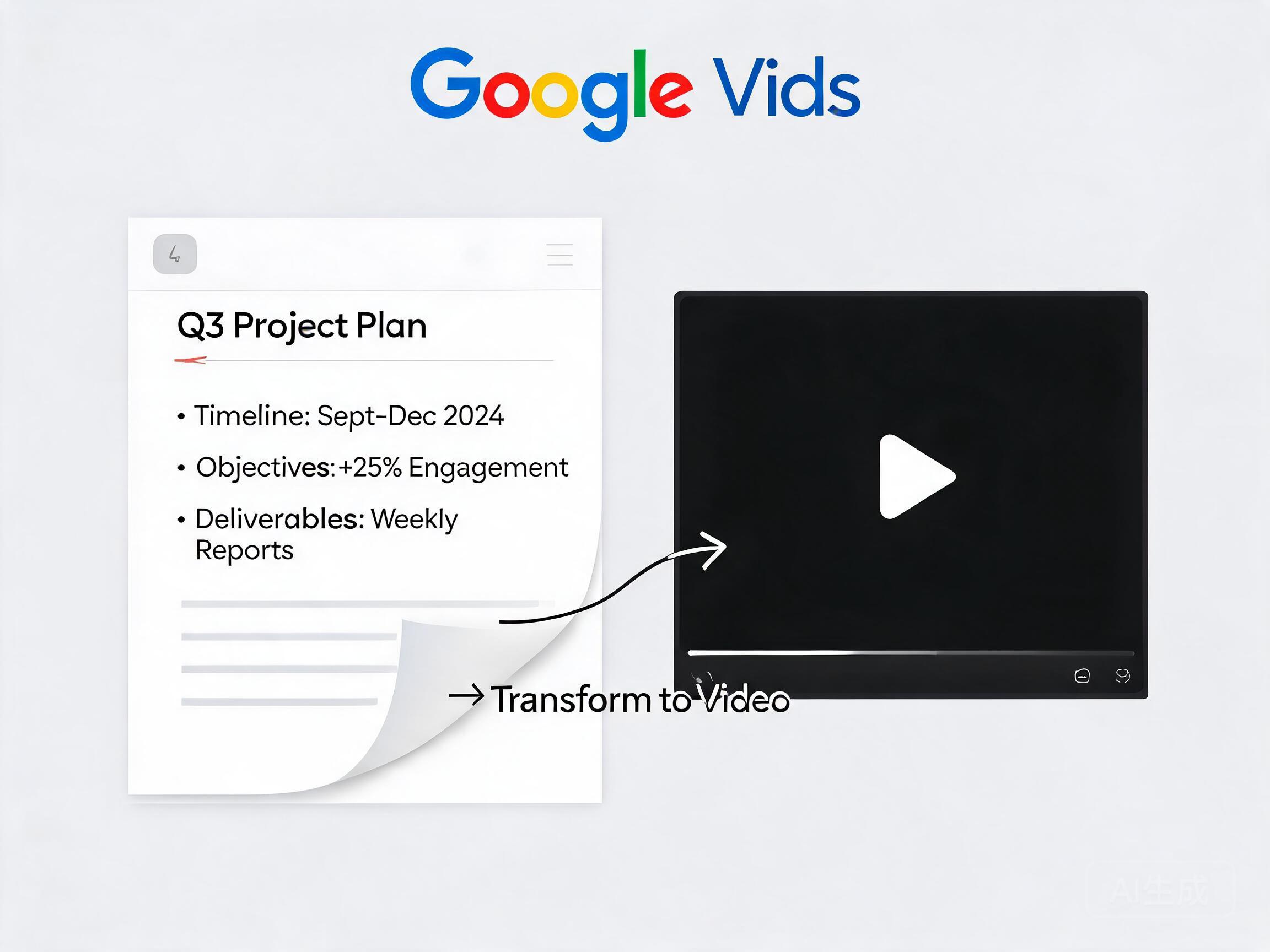
If your job involves going through meeting notes or training PDFs for hours every day, Google just gave you a workaround that saves time and makes wading through documents much less boring. Google Vids can now convert documents - PDFs, Word files, and Google Docs - into a narrated video summary with curated visuals.
There's a new option in Vids' File menu called Docs to Video. It lets you pull in a document from Drive or your computer. AI scans it, creates a script summarizing key points, and adds voice narration. Before it's ready, you can review the script, rewrite parts, or swap in a different narrator voice. Then Vids stitches everything together with AI-generated visuals. If this sounds familiar, it's because NotebookLM can do similar things - now the capability arrives in Vids.
As someone who goes through dozens of press releases and presentations daily, I can see people learning to use it the day they get access. The obvious use case is skipping the reading, whether it's meeting notes or training material nobody has time for. Second, visuals and voiceover make it much less monotonous.
The catch: it's only available to Google AI Plus, Pro, or Ultra users, plus Business, Enterprise, and Education plans. Rapid Release domains have access today; Scheduled Release domains get it over the next two weeks starting September 5.
One test run only got as far as generating a script before hitting a rendering error. That's normal for a brand-new multimodal AI feature trying to do a lot at once. As multimodal AI matures, "document to video" may become as basic to office software as voice-to-text once did.